

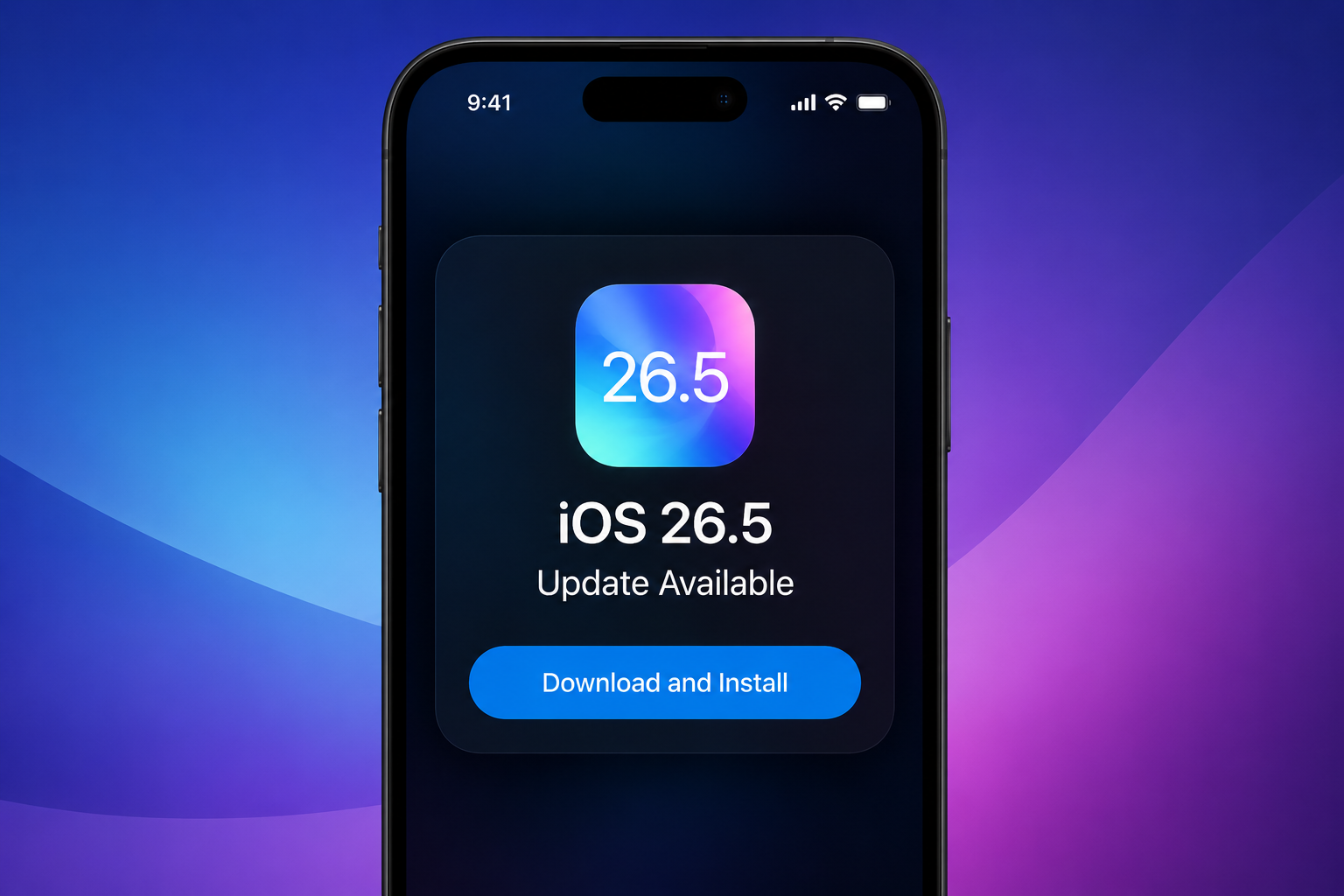
Apple has officially launched iOS 26.5, bringing a major privacy-focused upgrade for iPhone users. The latest update introduces encrypted RCS messaging between iPhone and Android devices, alongside new Apple Maps improvements, security updates, and customization features.
The update is now available for iPhone 11 and newer models.
Encrypted Messaging Between iPhone and Android
One of the most talked-about additions in iOS 26.5 is end-to-end encrypted RCS messaging. This feature improves privacy when iPhone users communicate with Android users through supported messaging services.
For years, secure messaging was mostly limited to apps like iMessage, WhatsApp, or Signal. Traditional texting between Android and iPhone users often lacked strong encryption. With iOS 26.5, Apple is now closing that gap.
When encryption is enabled, conversations are protected so that only the sender and receiver can access the messages. Users may also notice a lock icon inside supported chats, indicating that the conversation is secured.
The feature depends on carrier support and compatible messaging apps.
What Makes RCS Different From SMS?
RCS, or Rich Communication Services, is designed to replace old SMS technology. Compared to traditional texting, RCS offers a more modern messaging experience.
Features include:
- Better quality photo and video sharing
- Typing indicators
- Read receipts
- Improved group messaging
- Faster and more reliable chat delivery
Android users have already been using RCS for several years, and Apple’s continued support signals a major shift toward better communication across platforms.
Apple Maps Adds “Suggested Places”
Apple Maps also receives an upgrade in iOS 26.5 with a new feature called “Suggested Places.”
The feature helps users discover nearby restaurants, cafes, shopping locations, and popular places based on trends and recent activity. Instead of manually searching every time, users can quickly explore recommendations directly inside the Maps app.
Apple continues improving Maps as competition grows in the navigation and local discovery space.
New Pride Luminance Wallpaper
Apple has introduced a new customizable wallpaper named “Pride Luminance.” The wallpaper includes colorful lighting effects and dynamic animations that react to movement and screen activity.
The addition follows Apple’s tradition of releasing special wallpapers celebrating diversity and inclusion.
Strong Focus on Security
Beyond visual and messaging updates, iOS 26.5 also includes a large number of security improvements.
According to reports, the update patches multiple vulnerabilities related to system stability, privacy protection, and device security. Experts recommend updating devices quickly to reduce potential risks from security flaws.
Apple regularly releases security patches to protect users from newly discovered threats, making software updates an important part of keeping iPhones secure.
Easier USB-C Accessory Pairing
Users with Apple accessories will also notice a small but useful improvement. Magic Keyboard, Magic Mouse, and Magic Trackpad can now pair automatically using USB-C connections, making setup simpler and faster.
How to Install iOS 26.5
To update an iPhone:
- Open Settings
- Tap General
- Select Software Update
- Download and Install iOS 26.5
The update is rolling out globally for supported iPhone devices.
Final Thoughts
While iOS 26.5 may not completely redesign the iPhone experience, it introduces meaningful improvements where users notice them most — privacy, communication, and security.
Encrypted messaging between iPhone and Android users is likely to become one of the update’s most important features, especially as users become more concerned about digital privacy.
With WWDC 2026 and iOS 27 expected soon, iOS 26.5 appears to be Apple’s final major refinement before the next generation of iPhone software arrives.
